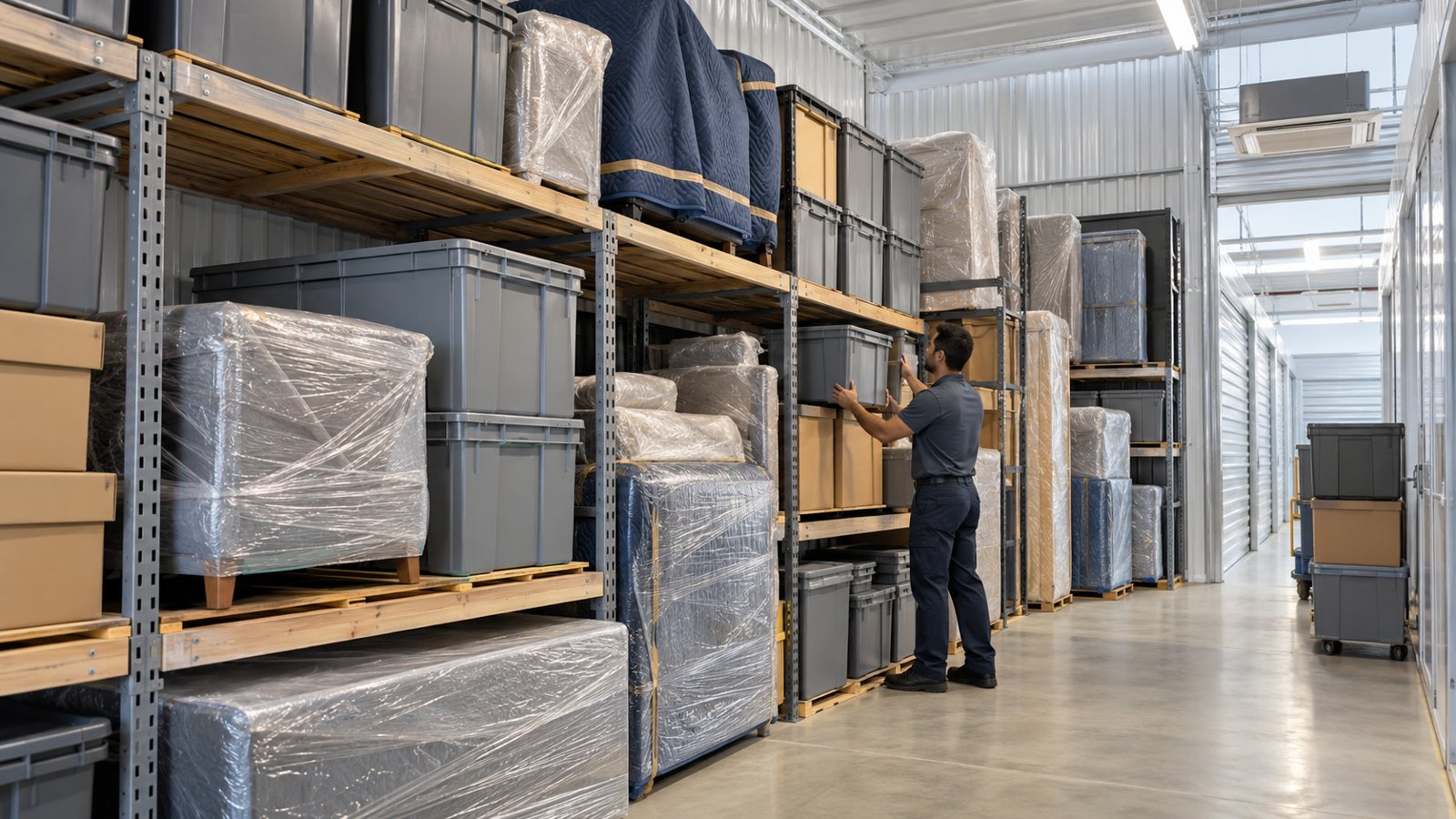
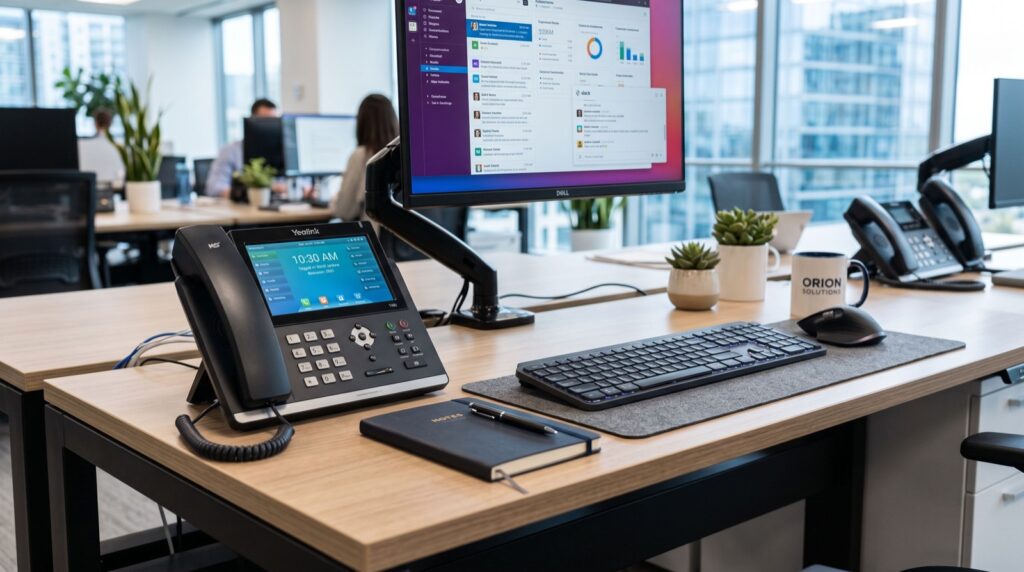
Walk into any busy Karachi warehouse, hospital, or multi-floor retail store and you will spot the same problem: staff who need to take calls while moving, not while chained to a desk. Fixed handsets simply cannot keep up with people who cover thousands of square feet a day. That is exactly where wireless VoIP phones change the game, and why mobility has become the deciding factor when firms shop for new business phones in 2026.
Why Mobility Is the Real Story in Business VoIP
For years the conversation around IP telephony focused on cost savings versus PTCL lines. That battle is over. The new differentiator is where and how your team can talk. A porter, a floor supervisor, or a duty manager loses productivity every time they walk back to a desk to answer a ringing phone.
Wireless SIP handsets solve this by carrying the same crystal-clear VoIP call over WiFi. The person stays reachable across the whole building, and the call quality does not degrade as they move between access points.
Companies comparing options for the Best IP Phones in Karachi increasingly ask one question first: can this device follow my staff, or does it trap them at a desk?
WiFi Calling Versus Traditional Cordless
Old DECT cordless phones needed their own base stations and separate infrastructure. WiFi SIP phones ride on the wireless network you already run for laptops and tablets, which means one network to manage instead of two.
A rugged, roaming handset like the Fanvil W610W is built for this exact scenario, offering portable WiFi calling with the durability that warehouse and field environments demand.
How Does SIP Keep a Call Alive While You Walk?
The magic sits in the Session Initiation Protocol. SIP registers your handset to a PBX and maintains that session as your device hops from one WiFi access point to the next. As long as the roaming is configured well, the call continues without a drop.
SIP is a globally recognised open standard, formally defined by the IETF specification RFC 3261. Because it is open, a WiFi phone from one vendor can register to almost any compliant IP-PBX, protecting you from lock-in.
Matching the Handset to the Environment
Not every workplace needs the same wireless phone. The right choice depends on coverage area, noise levels, and how rough the handling gets. Here is a quick guide.
| Environment | Priority Feature | Why It Matters |
|---|---|---|
| Warehouse | Rugged build + loud ringer | Survives drops, heard over machinery |
| Hospital | Clear audio + long battery | Reliable through long shifts |
| Retail floor | Fast roaming | Seamless calls across departments |
| Open office | HD voice + noise cancel | Cuts background chatter |
Setting Up Wireless IP Phones the Right Way
A wireless phone is only as good as the WiFi behind it. Voice traffic is unforgiving, so a network that is fine for browsing can still ruin calls. Get the foundations right before you deploy handsets.
- Survey your WiFi coverage and eliminate dead zones on every floor.
- Enable Quality of Service to prioritise voice packets over downloads.
- Use a dedicated SSID or VLAN for voice devices where possible.
- Configure seamless roaming so handoffs between access points are invisible.
- Encrypt calls with SRTP and secure registration with TLS.
If you are unsure where to begin, bringing in reputable service experts can save weeks of frustrating trial and error and get your team talking on day one.
A Practical Tip From the Field
One overlooked detail: battery logistics. In three-shift operations, keep a small pool of charged spare handsets or a multi-bay charger at each station. A dead battery mid-shift is the fastest way to make staff abandon a new system, so plan the charging routine before rollout.
The Cost Case for Wireless VoIP in 2026
Wireless IP phones cut more than cable runs. They reduce missed calls, shorten response times, and let one worker cover ground that used to need a fixed phone at every station. Fewer missed calls in a sales or support setting translate directly into revenue.
Because these phones use your existing internet and WiFi, there are no per-minute charges for internal calls and dramatically lower rates for external ones compared with legacy lines.
Building a WiFi Network That Voice Can Trust
Most WiFi networks in Karachi offices were designed for laptops and phones browsing the web, not for real-time voice. Data can pause and resume without anyone noticing, but voice cannot. A half-second stutter turns a professional call into a frustrating mess.
The fix starts with access point placement. Instead of one router pushed into a corner, deploy several access points with overlapping coverage so a roaming handset always has a strong signal to hand off to. Aim for coverage that never dips into the red as staff walk their routes.
Channel planning matters too. In a crowded building, WiFi channels overlap and interfere, which shows up as choppy audio. A quick site survey identifies the cleanest channels and the dead zones that need extra coverage before you deploy a single handset.
Finally, separate voice from everything else. Placing wireless phones on their own SSID and VLAN keeps a heavy file upload from a laptop from ever competing with a live customer call. Combined with Quality of Service, this simple separation is often the difference between calls that impress and calls that embarrass.
A Real-World Coverage Lesson
A distribution warehouse we studied kept losing calls near its loading bay. The cause was not the handsets at all; it was a single dead zone where thick metal shelving blocked the signal. Adding one extra access point cured every dropped call overnight. The lesson is clear: survey the space before blaming the phones.
Battery Life and Shift Planning
Wireless freedom depends on power. A handset that dies at hour six of an eight-hour shift is worse than a desk phone, because staff stop trusting it. Plan battery logistics as carefully as you plan coverage.
Choose handsets rated for a full shift of talk time, keep spare charged units at each station, and use multi-bay chargers so batteries cycle without anyone thinking about it. In three-shift operations, a simple swap-and-charge routine keeps every worker reachable around the clock.
Frequently Asked Questions
Will a WiFi phone drop calls when I move between rooms?
Not if roaming is configured properly. With overlapping access points and QoS enabled, the handset hands off seamlessly and the caller hears no interruption.
Can wireless IP phones handle a large warehouse?
Yes, as long as WiFi coverage reaches every corner. Rugged models with strong signal handling are designed specifically for large, noisy industrial spaces.
Do I need a separate phone system for wireless handsets?
No. WiFi SIP phones register to the same IP-PBX as your desk phones, so you manage one unified system for both fixed and mobile staff.
Are WiFi VoIP calls secure?
They can be very secure. Use TLS for registration and SRTP for the audio stream, keep firmware current, and calls stay encrypted end to end in 2026.
Conclusion
For any Karachi business where staff move more than they sit, wireless IP phones are the upgrade that finally matches your phone system to how people actually work. Solid WiFi, smart roaming, and rugged handsets keep everyone reachable and calls crystal clear. Ready to cut the cord without cutting quality? Explore a purpose-built range of Fanvil wireless IP phones and free your team from the desk.